Dorm management on LINE
Bill every room with one button
Read meters on your phone, bill every room with one button, then send the bills to the tenants who've connected LINE — slips come back in the same chat.
First 10 rooms free, forever · No card needed
- Import rooms and tenants from Excel
- Clear pricing: ฿5 per room per month beyond 10 rooms
- Read the privacy policy
Set up your rooms once; then each month is just this
Built around your dorm's own LINE: a tenant can reply with the slip in that same chat, have it checked against the bank, and get the receipt back there. Rooms that don't use LINE can still be printed as a bill with the same QR.
Every room on one page
Vacant and overdue at a glance. Group by building or floor, and move over from Excel in one go.
Read meters on your phone
Last month's readings are filled in; type this month's and water and power follow your dorm's rates.
One button, a bill for every room
Rent, water, power and extras, with a PDF and a PromptPay QR. Late fees are added for you. Rooms that don't use LINE can print the same bill with its QR.
Connect once with LINE, no SMS
A tenant scans your dorm's QR and enters their room and the phone on the lease; bills can then land in that same chat.
Built to check slips against the bank
The app can match the amount and account against the bank and send the receipt back in the chat; anything that doesn't match is set aside for you to check.
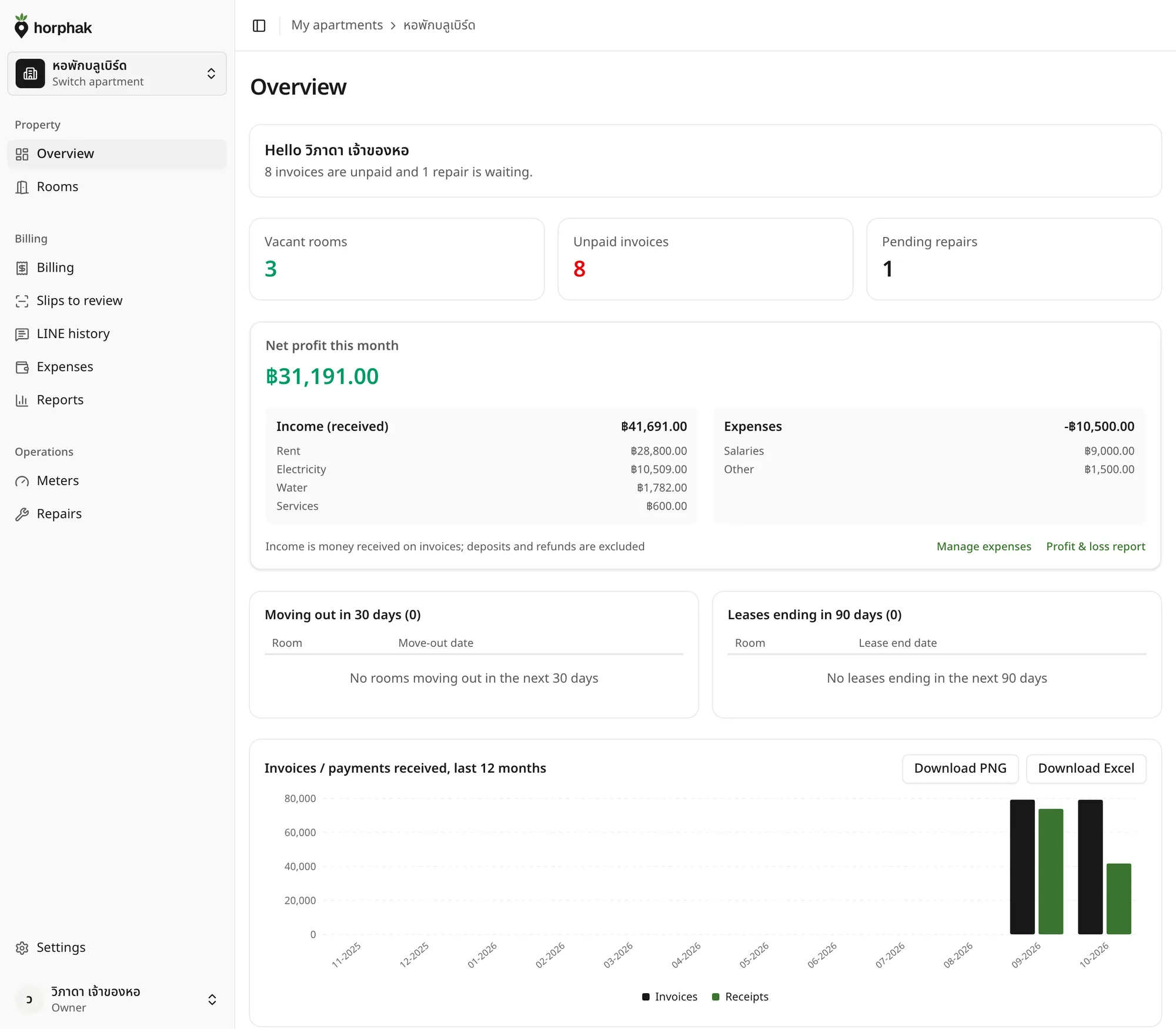
Your net profit at every month-end
Record costs, repairs included, and they're taken off your income. Export to Excel for your accountant.
Three steps, every month
- 01
Read the meters
Type this month's numbers on your phone; last month's are already filled in.
- 02
Send bills to your dorm's LINE
One button bills the whole building, then each bill can send to the LINE chat of a tenant who is connected.
- 03
Let the system check the slips
Payments can be matched to the bank, with a receipt sent back in the same chat.
Pay per room, no plans to choose
Every dorm gets every feature. You only pay for rooms beyond the first 10.
- First 10 rooms free, forever
- Room 11+ ฿5/room/month
- Pay yearly, get 2 months free
Count every room, vacant or occupied
- 10 free rooms + 42 paid rooms
- Prices include VAT
Pay monthly
฿210 / month
Averages ฿4.04 per room per month
Pay yearly2 months free
฿2,100 / year
Save ฿420 a year
Sign up free, no sales call. Add or remove rooms any time.
Questions dorm owners ask
How long does billing the whole building take?
One button bills every room with a PromptPay QR — no need to do each one by hand.
Does every tenant need LINE?
No. Tenants who connect LINE can open their bill straight from the chat; for rooms that don't use LINE, you can print that room's bill yourself as a PDF with the same QR.
How do I print a bill?
Print straight from the invoice page: a one-page PDF with that bill's PromptPay QR.
How is pricing worked out?
Pay per room. The first 10 rooms are free forever; every room beyond that is ฿5 baht a room a month. No plans to choose.
Can I move data in from Excel?
Yes. Import your rooms and tenants from Excel in one go, with a preview before anything is saved.
Every bill, straight to each tenant's LINEstarting this month
First 10 rooms free, forever · No card needed · Move over from Excel